

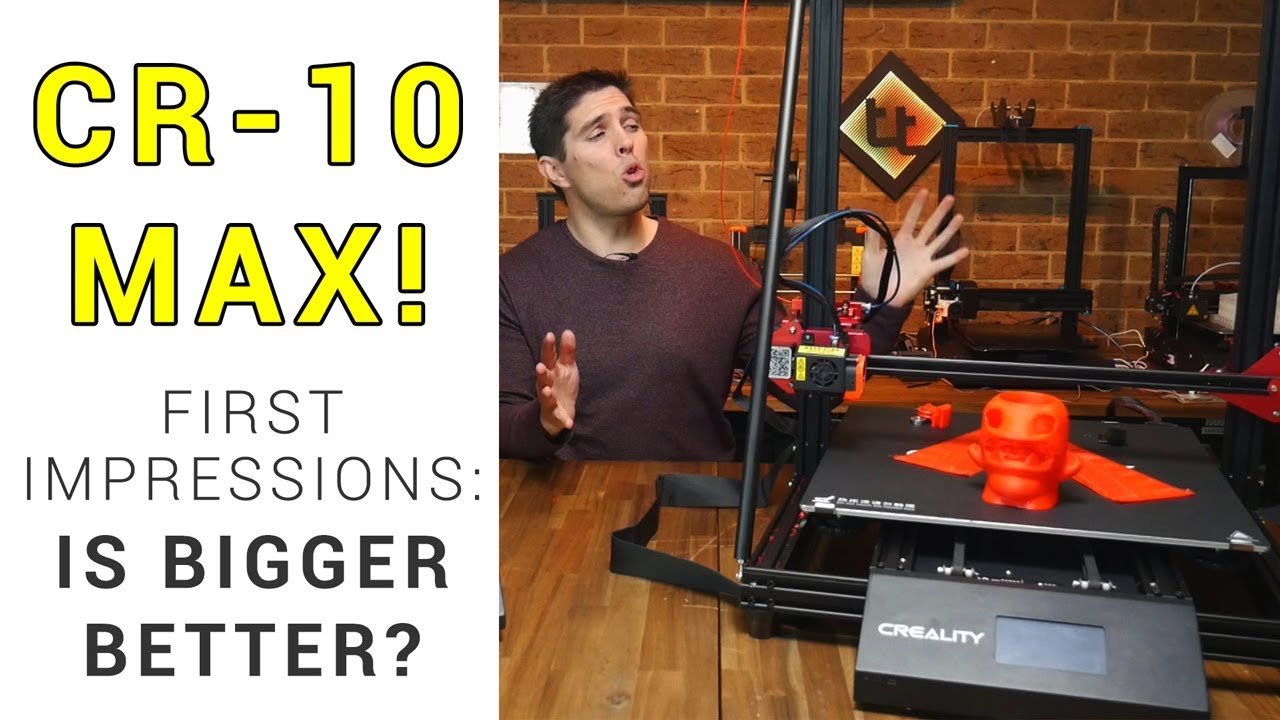
 The Creality CR-10 Max is truly massive, with a build volume of 450 x 450 x 470mm. It shares many features and components with the CR-10S Pro, which prints beautifully but had some teething issues on release. In this video I unbox and assemble the printer, while assessing whether these same issues have been repeated.
 The answer is yes, and no.
The most significant issue of the Pro was the inconsistent ABL sensor, but this printer has a genuine BLtouch which performs very well. My other main issue was a wobbly bed. I would suggest tightening the levelling knobs until the springs are fully compressed.
All of the other issues are fairly simple fixes, including updating firmware to include thermal runaway protection. The fan duct is just sloppy but fortunately an easy fix too.
I expect this printer to perform very well from now on and you can expect some large prints when I finish my review. Obviously this printer is not for beginners but for those needing a large volume, it might end up being a good choice.
This printer for provided free of charge by Creality for review. All opinions expressed are my own.
Purchase the CR-10 Max:
Creality webstore:
Glider I printed at 150%:
Naomi Wu’s first look video:
Tinymachines Marlin Source:
AMX tools review:
AMX Print removal system:
CR-10S Pro review:
CR-10S Pro firmware update:
CR-10S Pro fixes:
Filament roller guide:
Part cooling fan duct:
Buy quality and affordable filament from X3D. Buy 3, get 1 free and a free sample pack with every order: www.x3d.com.au
Take a look around and if you like what you see, please subscribe.
Support me on Patreon:
#3dprinting #cr-10max #firstimpressions


0 Comments