In this video, I go over the process of installing macOS 10.15 Catalina on an unsupported Mac. This entire process involves the use of my "macOS Catalina Patcher" program, which I wrote to automate the installation process. Download and instructions can be found here:
If you need to disable the AMD video card on your 2011 15"/17" MacBook Pro (MacBookPro8,2/8,3), you can follow the guide found here:
macOS 10.15,Catalina,macOS Catalina,Unsupported mac,how to install,2007,2008,2009,2010,2011,Mid-2007,Early-2008,Late-2008,Early-2009,Mid-2009,Late-2009,Mid-2010,Early-2011,Late-2011,unsupported,mac,MacBook,MacBook Air,MacBook Pro,Mac Pro,Xserve,how to run,dark mode,hard disk,SSD,HDD,APFS,patcher,catalina patcher,patch catalina,non-Metal GPU,video card,unsupported video card,unsupported graphics,nVidia,AMD,Intel,Tesla,


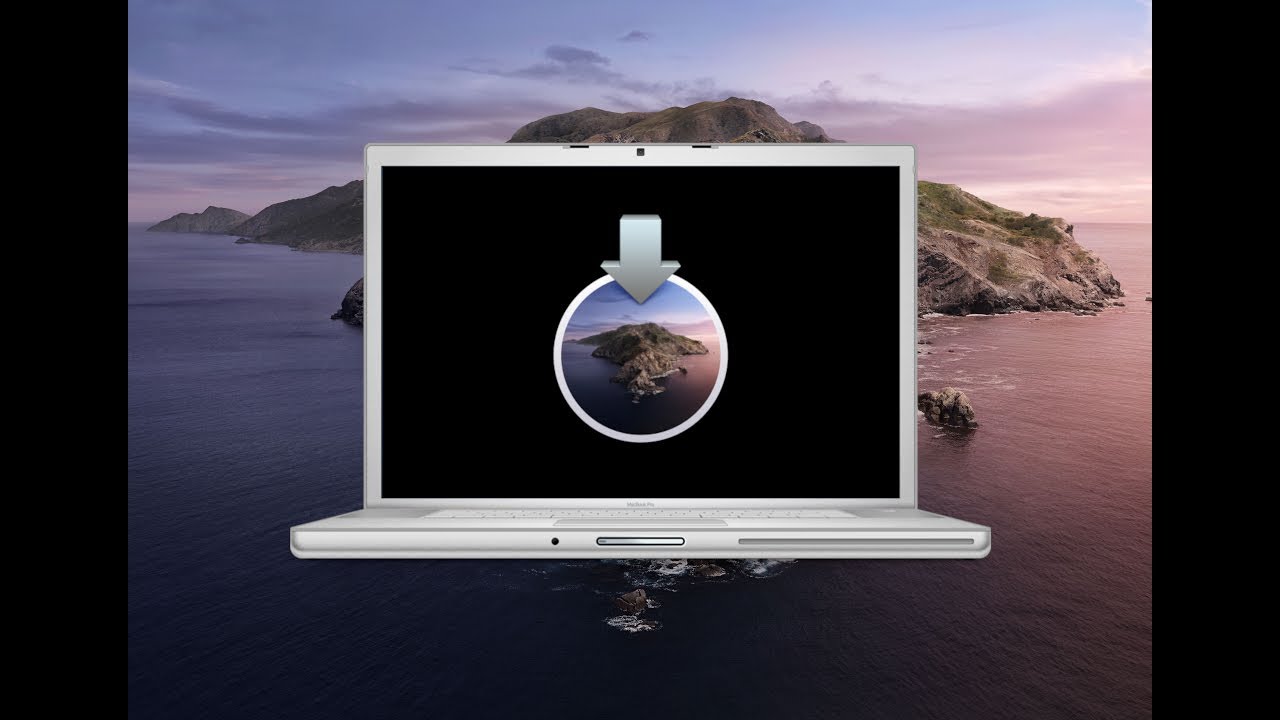 In this video, I go over the process of installing macOS 10.15 Catalina on an unsupported Mac. This entire process involves the use of my "macOS Catalina Patcher" program, which I wrote to automate the installation process. Download and instructions can be found here:


0 Comments