

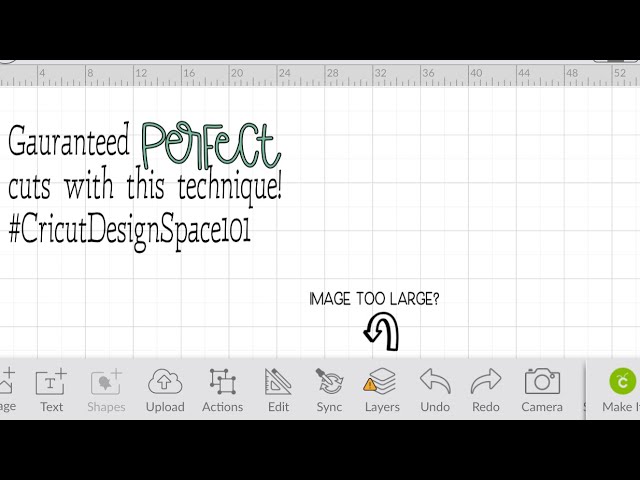
 Check out these simple steps to guarantee perfectly sized cuts for your project featuring Iphone Cricut Design Space App ! Leave any questions or comments down below!
 Lets connect on Instagram📸 I’ll be posting current projects, youtube uploads and posting to see what projects you guys have going on! So lets get to chatting!
Instagram: @the_bree_creates


0 Comments